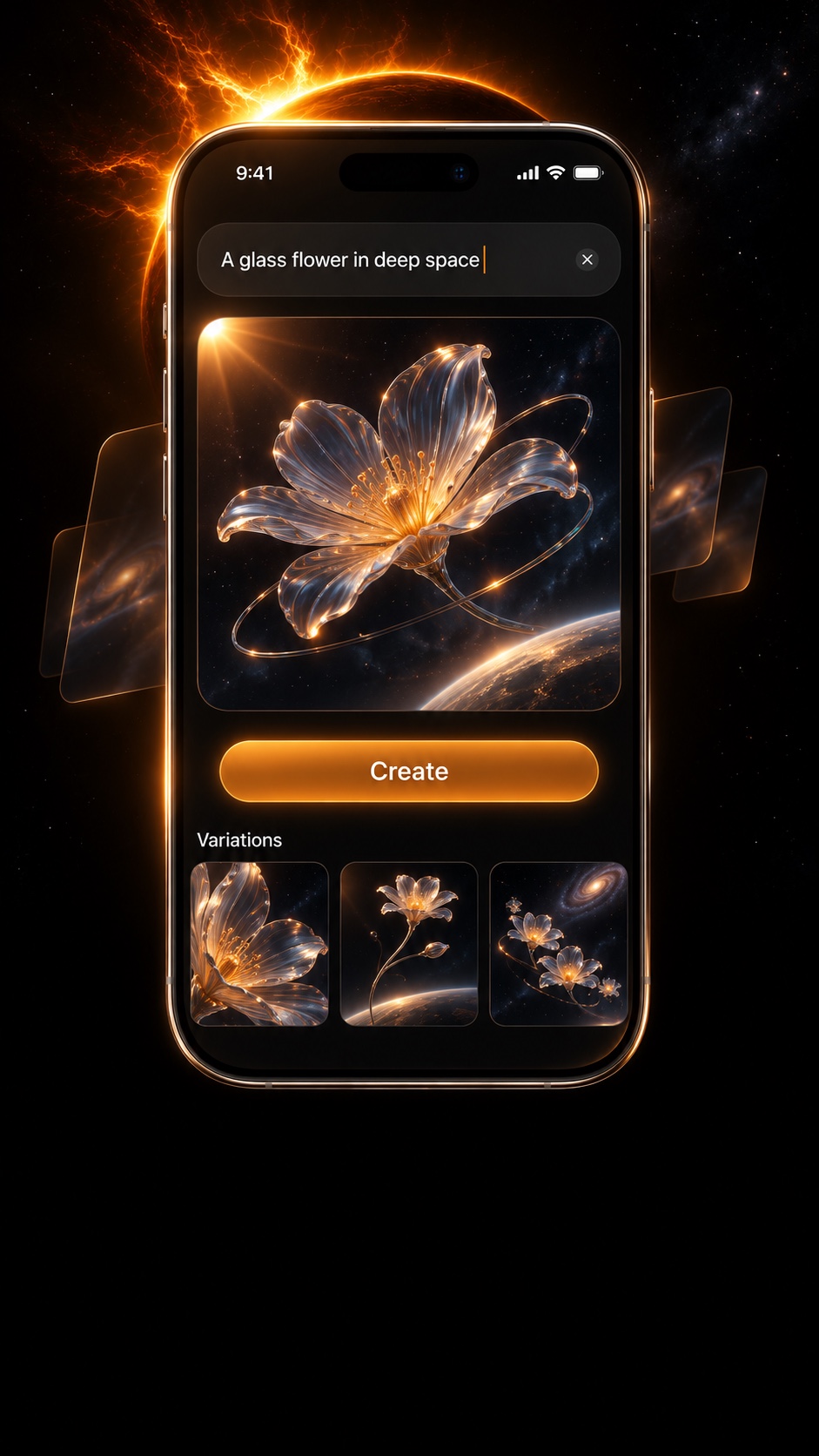
01 / Describe the image
Bring your idea to iPhone
Describe the subject and mood to start generating image ideas.
Continue to the next step
EVO Image Studio
Describe an idea, then create and compare images on your iPhone.
01 / Describe the image
Describe the subject and mood to start generating image ideas.
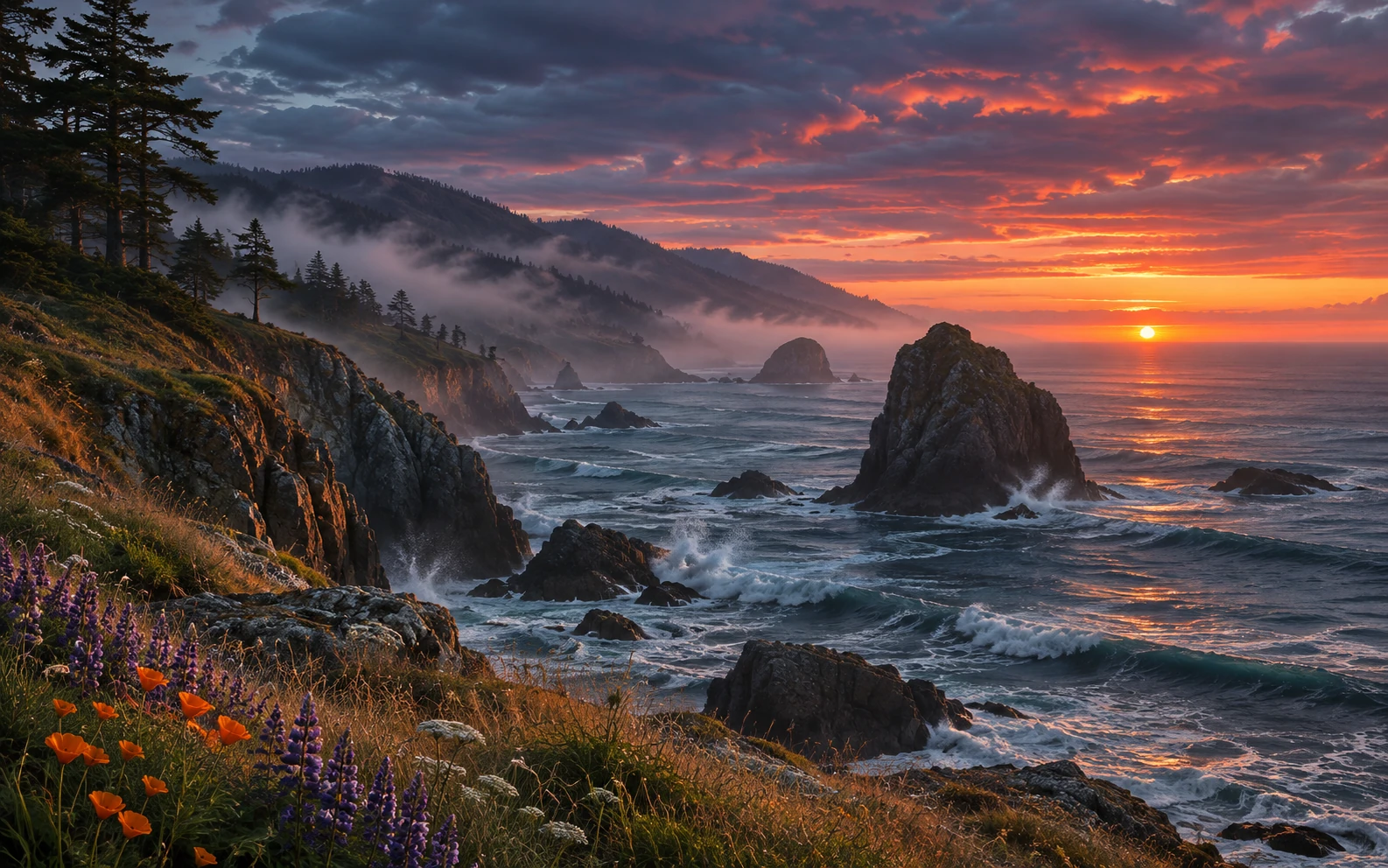
Continue to the next step02 / View the generated result
Turn a written idea into a complete image, then see whether its light, composition, and mood match what you had in mind.
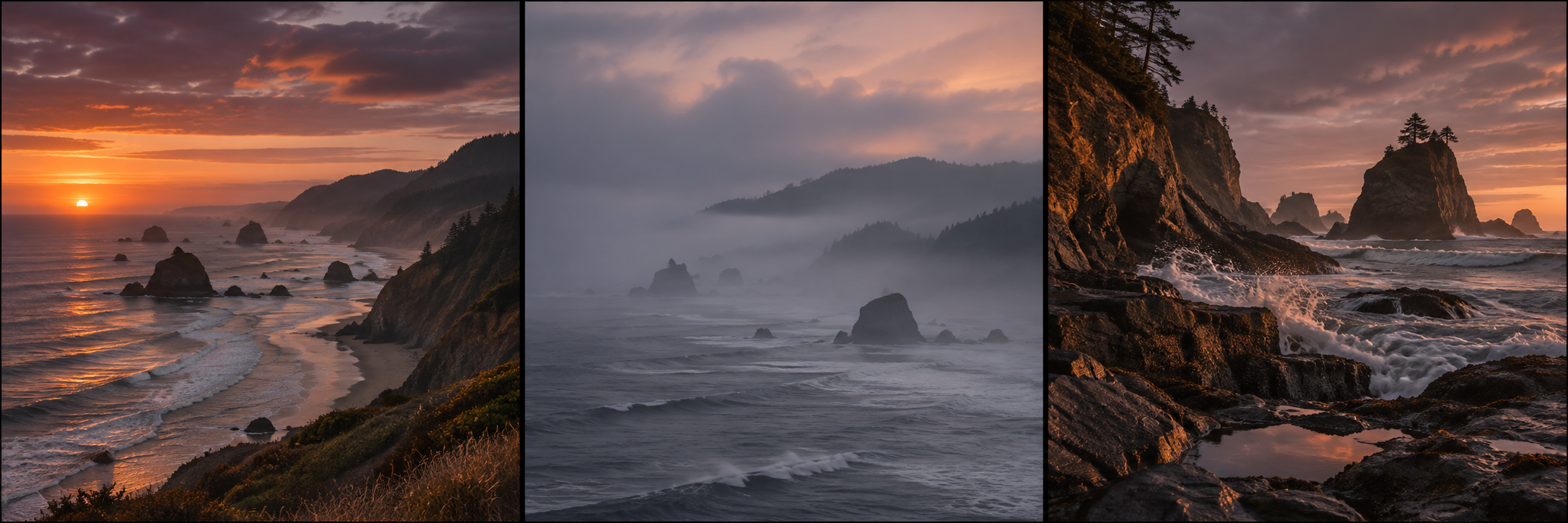
Continue to the next step03 / Compare different directions
Compare a coastal sunset, a misty bay, and a rugged shoreline side by side to find the direction you want to develop.
Explore the product ideaEVO Image Studio / WHY IT EXISTS
You may have an idea but still find it hard to picture how different compositions and colors will look.
EVO Image Studio aims to bring that process to iPhone: generate a few images to compare, then choose the direction you want to develop.
EVO Image Studio iOS image-creation concept visual. The phone interface and images are illustrative, not from a current app.EVO Image Studio is an iOS image creation concept. Enter a written prompt on iPhone to generate images in different compositions and styles, compare them side by side, and choose the one closest to your idea.
Enter a subject and mood to give your creation a clear starting point.
View different compositions and tones side by side to find the one closest to what you imagined.
Keep the image idea you like best as the starting point for further edits and creative work.
iOS app concept stage. The mobile image creation flow is being shaped and is not yet available to use.
Supported generation models, editing tools, and export formats are still to be determined.
KEEP EXPLORING